← Back to Case Studies

Replace project screenshots
without editing HTML.

Every project card points to one image file. Replace that file with your own screenshot using the exact same filename. The card updates automatically.

Easy replacement method
1. Open images/projects/ in the website folder.
2. Replace the matching PNG below with your own screenshot.
3. Keep the exact same filename and folder location.
4. Refresh the Projects page. No HTML or CSS changes are needed.

If the image folder is accidentally missing from hosting, an embedded fallback appears instead of a broken-image icon.
Open Projects page ↗Open filename instructions
Agentic AI for Design Workflows placeholder
PROJECT 01

Agentic AI for Design Workflows

Replace this exact file:

images/projects/agentic-ai-design-workflows.png
  1. Rename your screenshot to agentic-ai-design-workflows.png.
  2. Copy it into images/projects/ and choose Replace.
API Management & Developer Portal placeholder
PROJECT 02

API Management & Developer Portal

Replace this exact file:

images/projects/api-management-developer-portal.png
  1. Rename your screenshot to api-management-developer-portal.png.
  2. Copy it into images/projects/ and choose Replace.
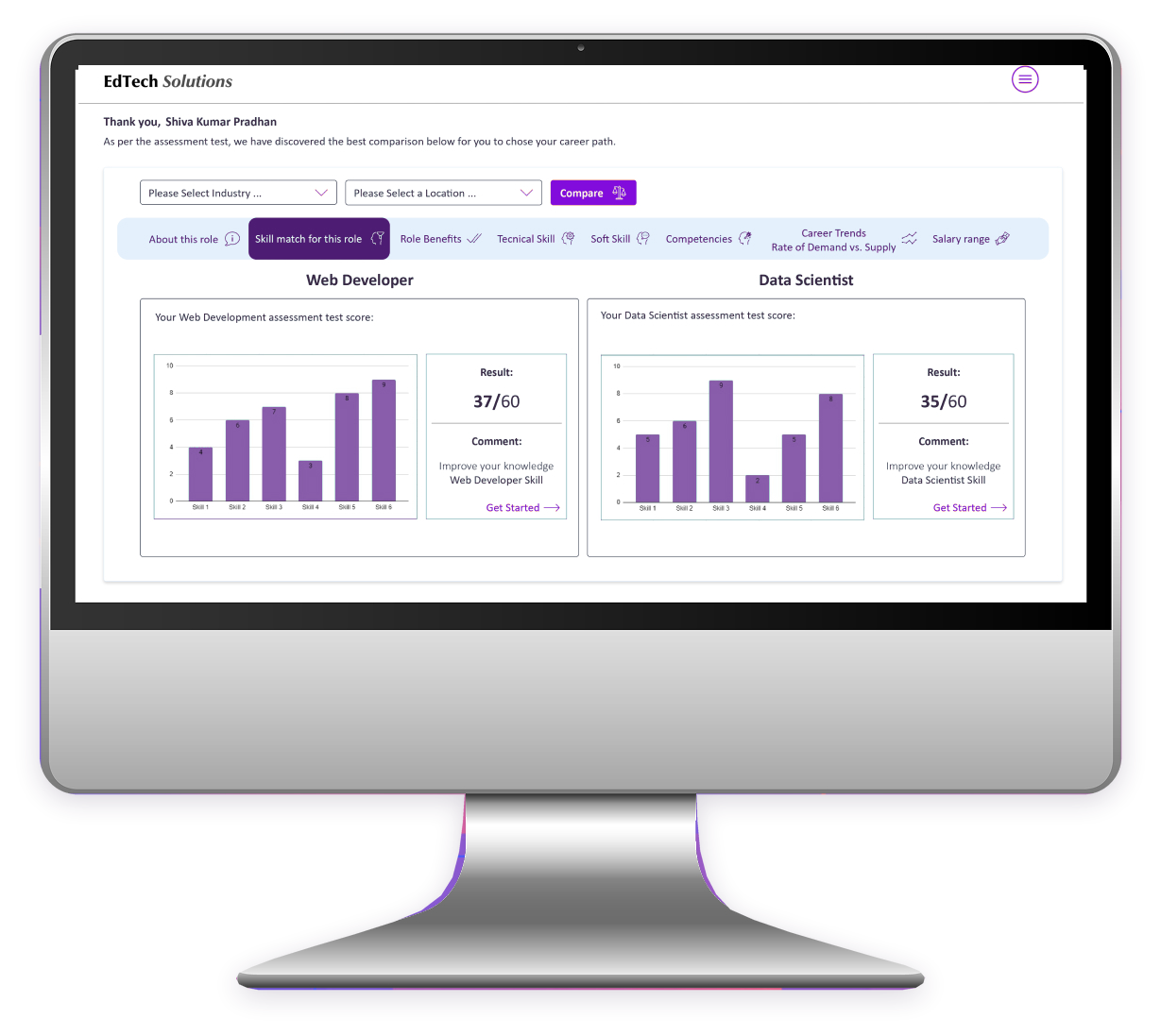
E-learning Career Assistance placeholder
PROJECT 03

E-learning Career Assistance

Replace this exact file:

images/projects/elearning-career-assistance.png
  1. Rename your screenshot to elearning-career-assistance.png.
  2. Copy it into images/projects/ and choose Replace.
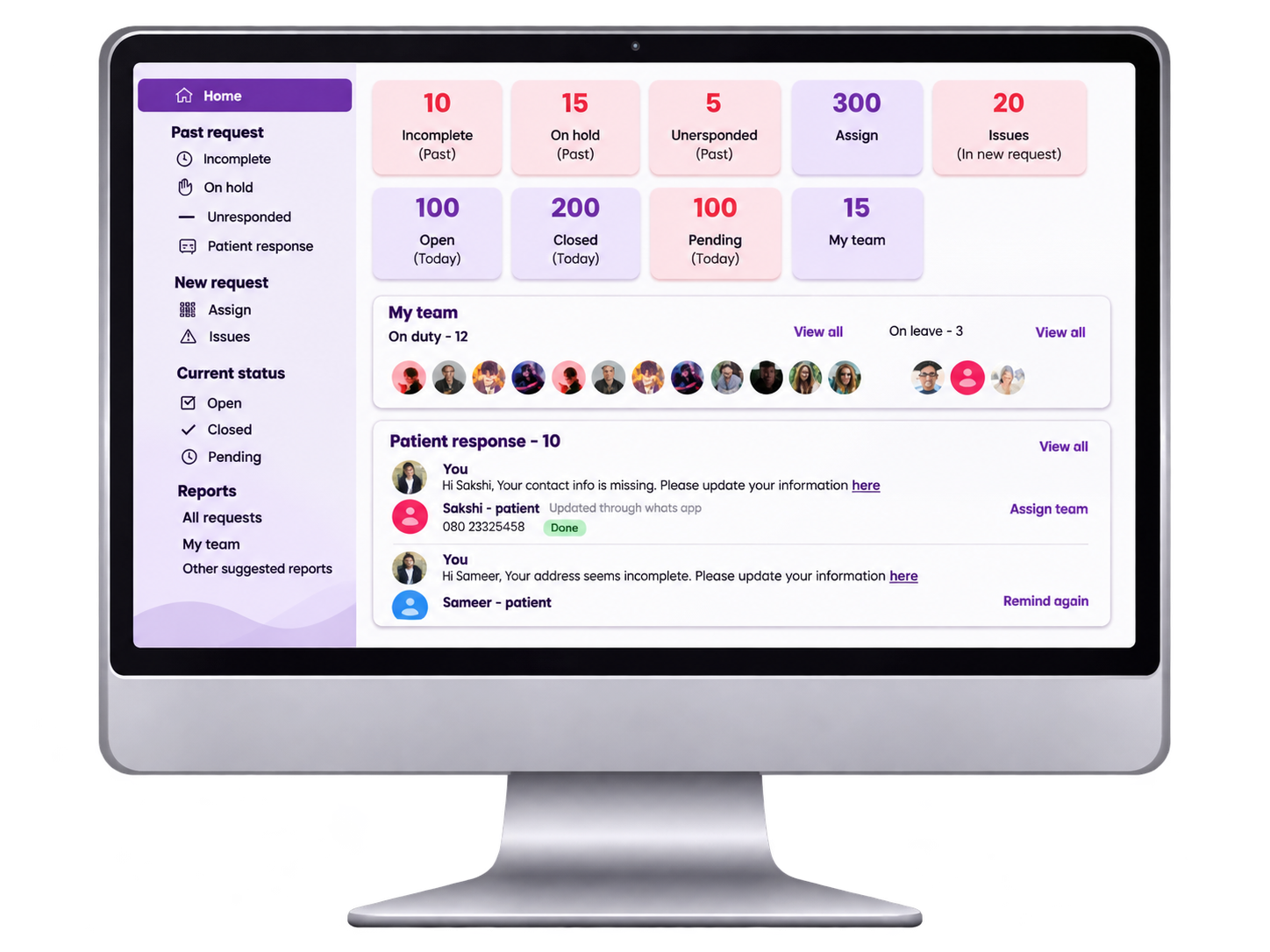
Healthcare Tracking & Monitoring Solution placeholder
PROJECT 04

Healthcare Tracking & Monitoring Solution

Replace this exact file:

images/projects/healthcare-tracking-monitoring.png
  1. Rename your screenshot to healthcare-tracking-monitoring.png.
  2. Copy it into images/projects/ and choose Replace.
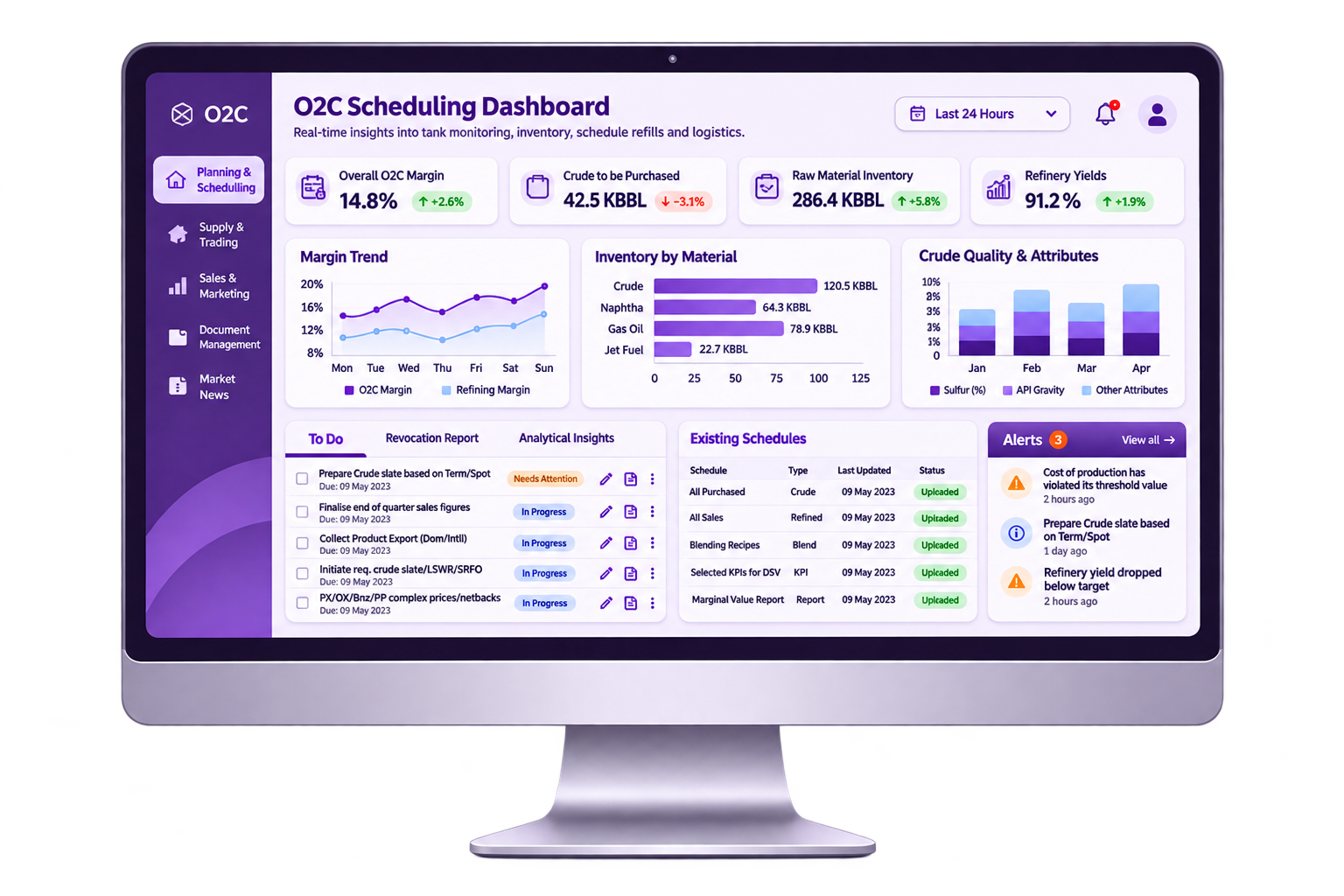
O2C Scheduling Dashboard placeholder
PROJECT 05

O2C Scheduling Dashboard

Replace this exact file:

images/projects/o2c-scheduling-dashboard.png
  1. Rename your screenshot to o2c-scheduling-dashboard.png.
  2. Copy it into images/projects/ and choose Replace.
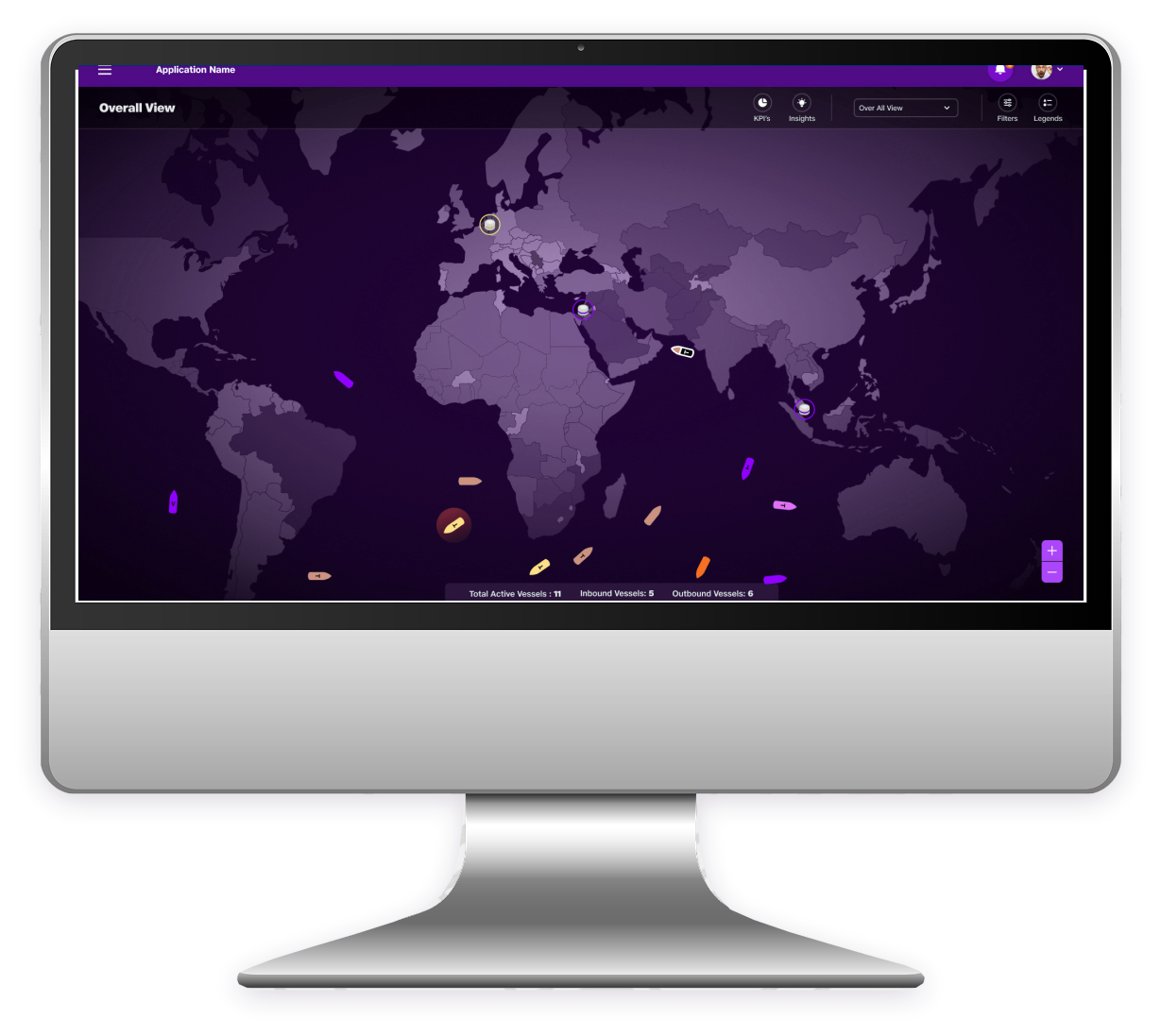
O2C Supply Chain Control Tower placeholder
PROJECT 06

O2C Supply Chain Control Tower

Replace this exact file:

images/projects/o2c-supply-chain-control-tower.png
  1. Rename your screenshot to o2c-supply-chain-control-tower.png.
  2. Copy it into images/projects/ and choose Replace.
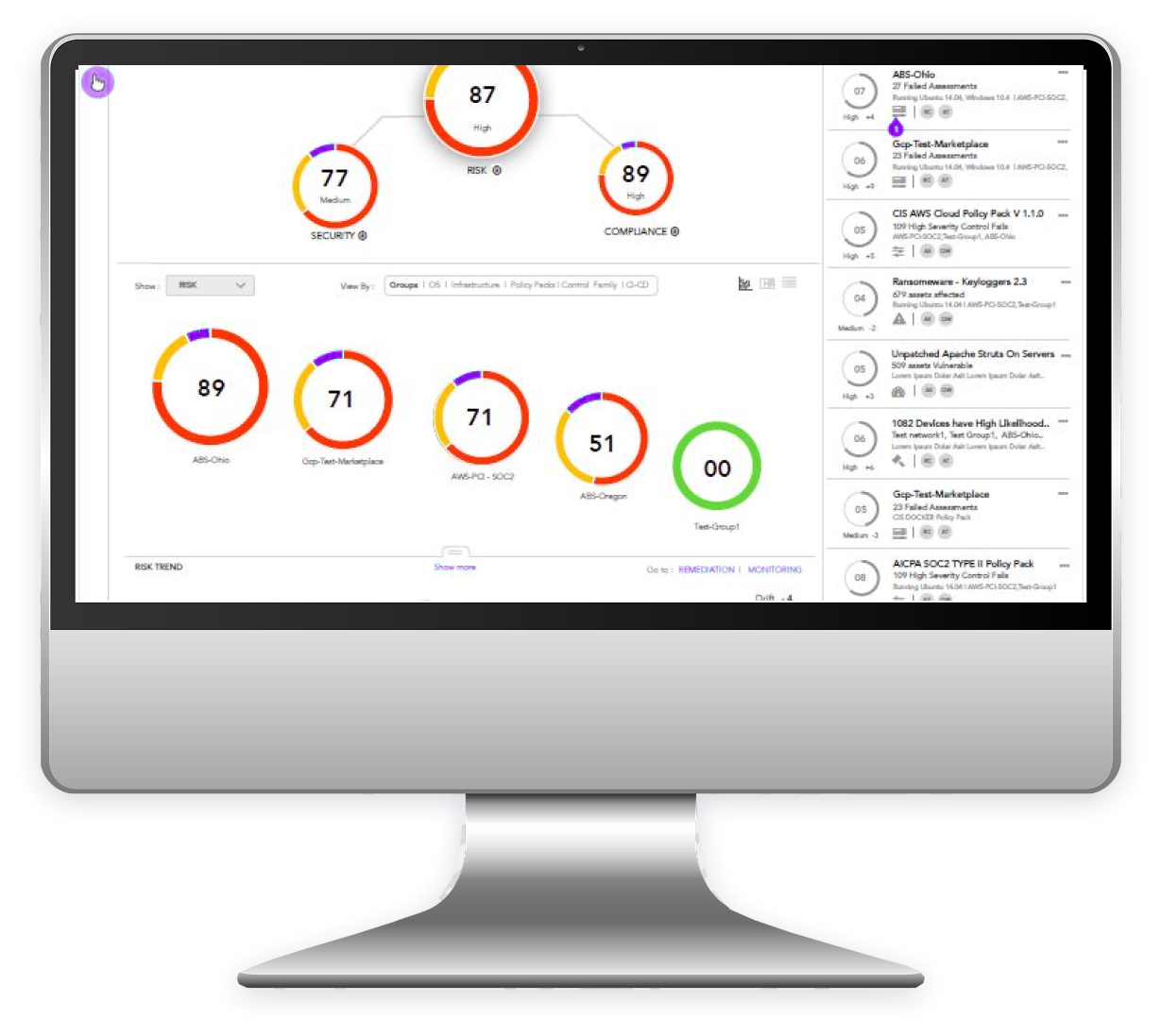
Telecom Network Analysis Dashboard placeholder
PROJECT 07

Telecom Network Analysis Dashboard

Replace this exact file:

images/projects/telecom-network-analysis.png
  1. Rename your screenshot to telecom-network-analysis.png.
  2. Copy it into images/projects/ and choose Replace.
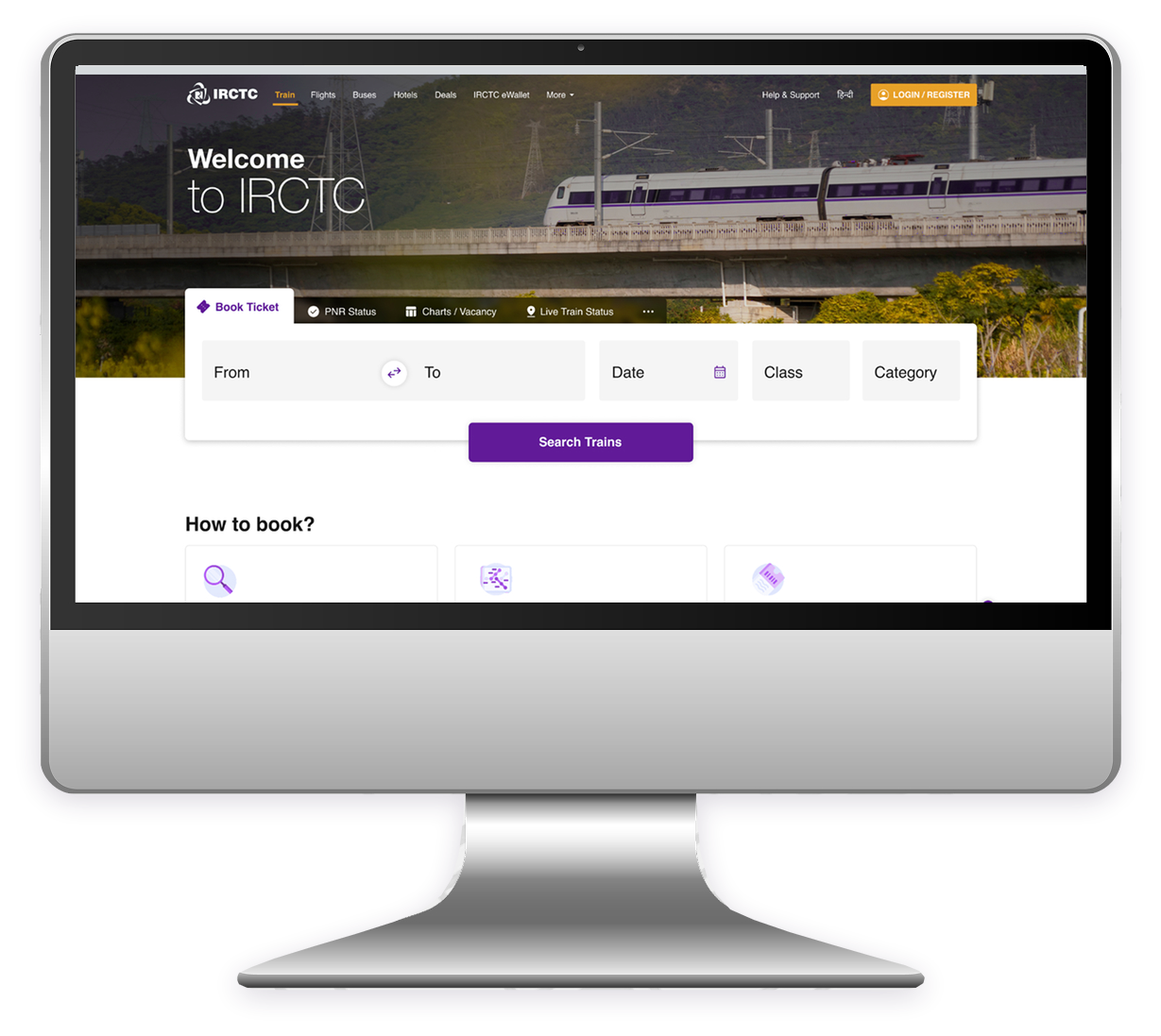
Online Train Ticket Booking Experience placeholder
PROJECT 08

Online Train Ticket Booking Experience

Replace this exact file:

images/projects/train-ticket-booking-experience.png
  1. Rename your screenshot to train-ticket-booking-experience.png.
  2. Copy it into images/projects/ and choose Replace.